Gemini in Google Docs

Contextual AI Editing for Documents - iOS - Embedding Gemini into text selection for faster, lighter edits.

Designed the end-to-end MVP for an automated social engagement platform.

Product design, Interaction design, Rapid prototyping

Product design, Interaction design,
Brand design, Prototyping

2025

Introduction

Introduction

Context

Most AI writing tools make you stop, switch, and type. This concept embeds Gemini directly into the text selection gesture, select a word, get meaning and synonyms. Select a paragraph, get rewrite options.

No chat panel, no prompts, just help exactly when you need it.

Most AI writing tools make you stop, switch, and type. This concept embeds Gemini directly into the text selection gesture, select a word, get meaning and synonyms. Select a paragraph, get rewrite options.

No chat panel, no prompts, just help exactly when you need it.

Timeline

24 hours

24 hours

Quick
TL;DR

Problem

Problem

Mobile writing is clunky.

Mobile writing is clunky.

If I want help:

  • I have to open a chat panel

  • Type a prompt

  • Switch context constantly

  • Look up meanings elsewhere

If I want help:

  • I have to open a chat panel

  • Type a prompt

  • Switch context constantly

  • Look up meanings elsewhere

Solution

Solution

How did I solve the problem?

How did I solve the problem?

A selection-triggered AI layer for Google Docs mobile.

  1. Word selection surfaces semantic help, meaning, synonyms, definitions.

  2. Paragraph selection unlocks structural edits, rephrase, summarize, explain.


AI shows up when you need it, stays hidden when you don't.

A selection-triggered AI layer for Google Docs mobile.

  1. Word selection surfaces semantic help, meaning, synonyms, definitions.

  2. Paragraph selection unlocks structural edits, rephrase, summarize, explain.


AI shows up when you need it, stays hidden when you don't.

Primary research

Quick research

Quick research

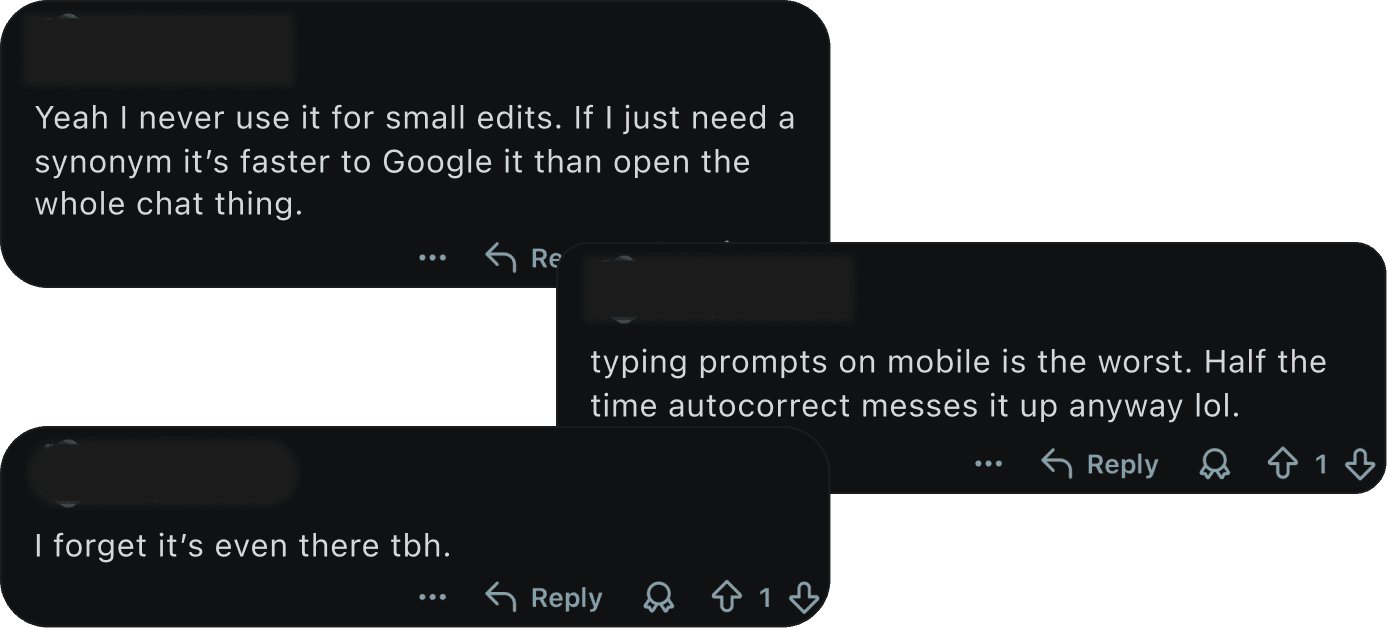
I posted on Reddit to collect quick feedback and real user opinions about writing with AI on mobile.

I asked people:

  • What frustrates you about using AI in Docs?

  • Do you actually use chat-based AI features?

  • What feels slow or annoying?


Key Insights

  • People don’t want “more AI.”

  • They want “less effort.”

I posted on Reddit to collect quick feedback and real user opinions about writing with AI on mobile.

I asked people:

  • What frustrates you about using AI in Docs?

  • Do you actually use chat-based AI features?

  • What feels slow or annoying?


Key Insights

  • People don’t want “more AI.”

  • They want “less effort.”

Fig. Reddit responses

Fig. Reddit responses
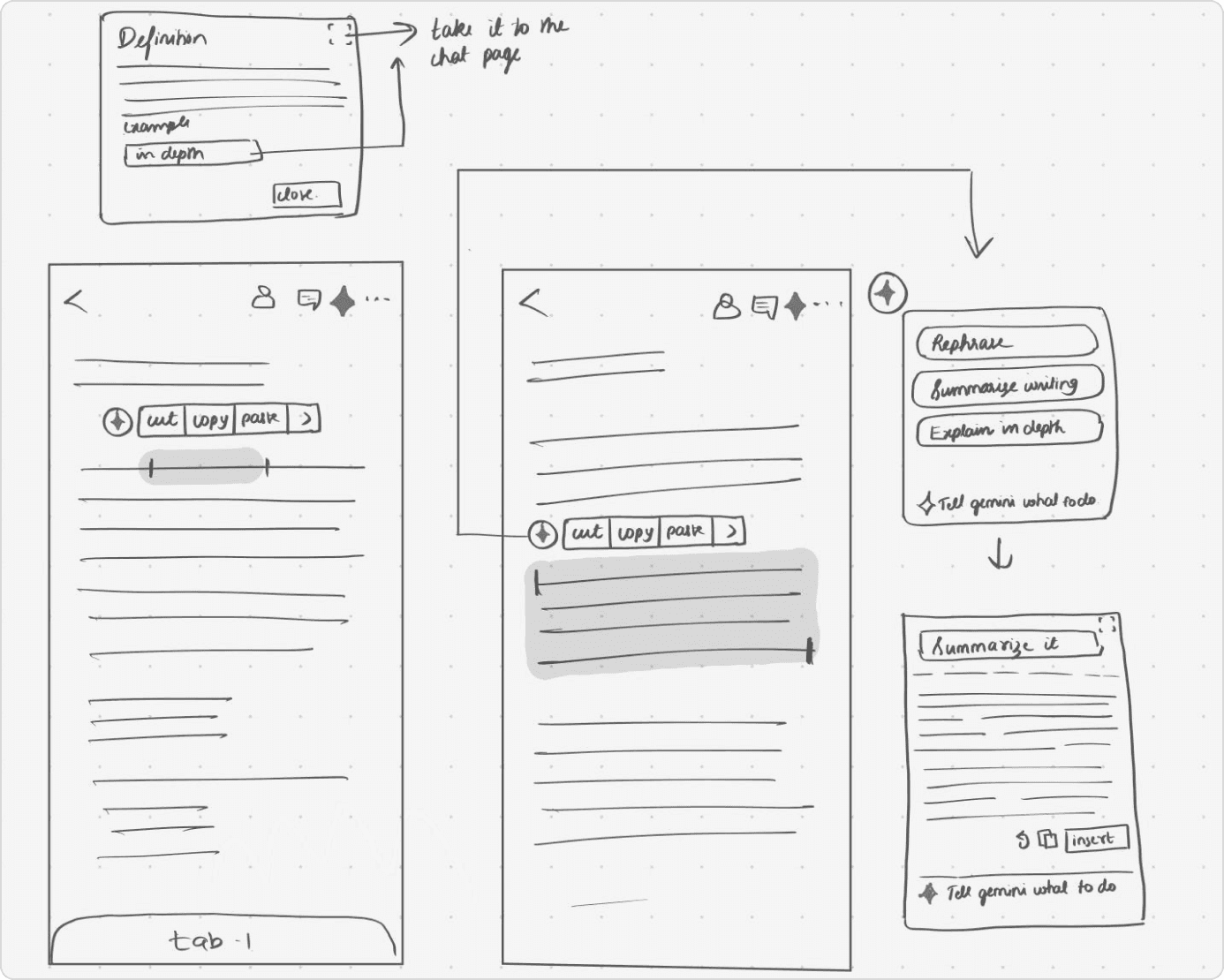
Fig. Initial sketches

Fig. Initial sketches
Flow #1

Word Selection

When a user selects a single word, the Gemini option appears alongside cut/copy.

Tapping it shows:

  • Meaning

  • Synonyms (tap to replace instantly)

  • Explain in depth

  • Custom prompt option


This flow supports quick semantic edits without opening chat or typing a full prompt

When a user selects a single word, the Gemini option appears alongside cut/copy.

Tapping it shows:

  • Meaning

  • Synonyms (tap to replace instantly)

  • Explain in depth

  • Custom prompt option


This flow supports quick semantic edits without opening chat or typing a full prompt

Flow #2

Paragraph Selection

When a user selects a paragraph, the AI option appears again.

Tapping it shows:

  • Rephrase - also lets them insert this in the original document

  • Summarize

  • Explain in detail


The system generates a preview, and the user can tap Insert to replace the original text.

When a user selects a paragraph, the AI option appears again.

Tapping it shows:

  • Rephrase - also lets them insert this in the original document

  • Summarize

  • Explain in detail


The system generates a preview, and the user can tap Insert to replace the original text.

Expected Impact

30%
faster micro-edits

30%
faster micro-edits

Users can replace a word with a synonym in 1–2 taps instead of typing a prompt or look it up online.

Users can replace a word with a synonym in 1–2 taps instead of typing a prompt or look it up online.

Lower cognitive
load

Lower cognitive
load

No need to think of prompts for common actions like look up meanings, rewrite, summarize, define.

No need to think of prompts for common actions like look up meanings, rewrite, summarize, define.

50%
less context switch

50%
less context switch

Small changes happen directly where the text is selected, without moving into a separate chat flow.

Small changes happen directly where the text is selected, without moving into a separate chat flow.

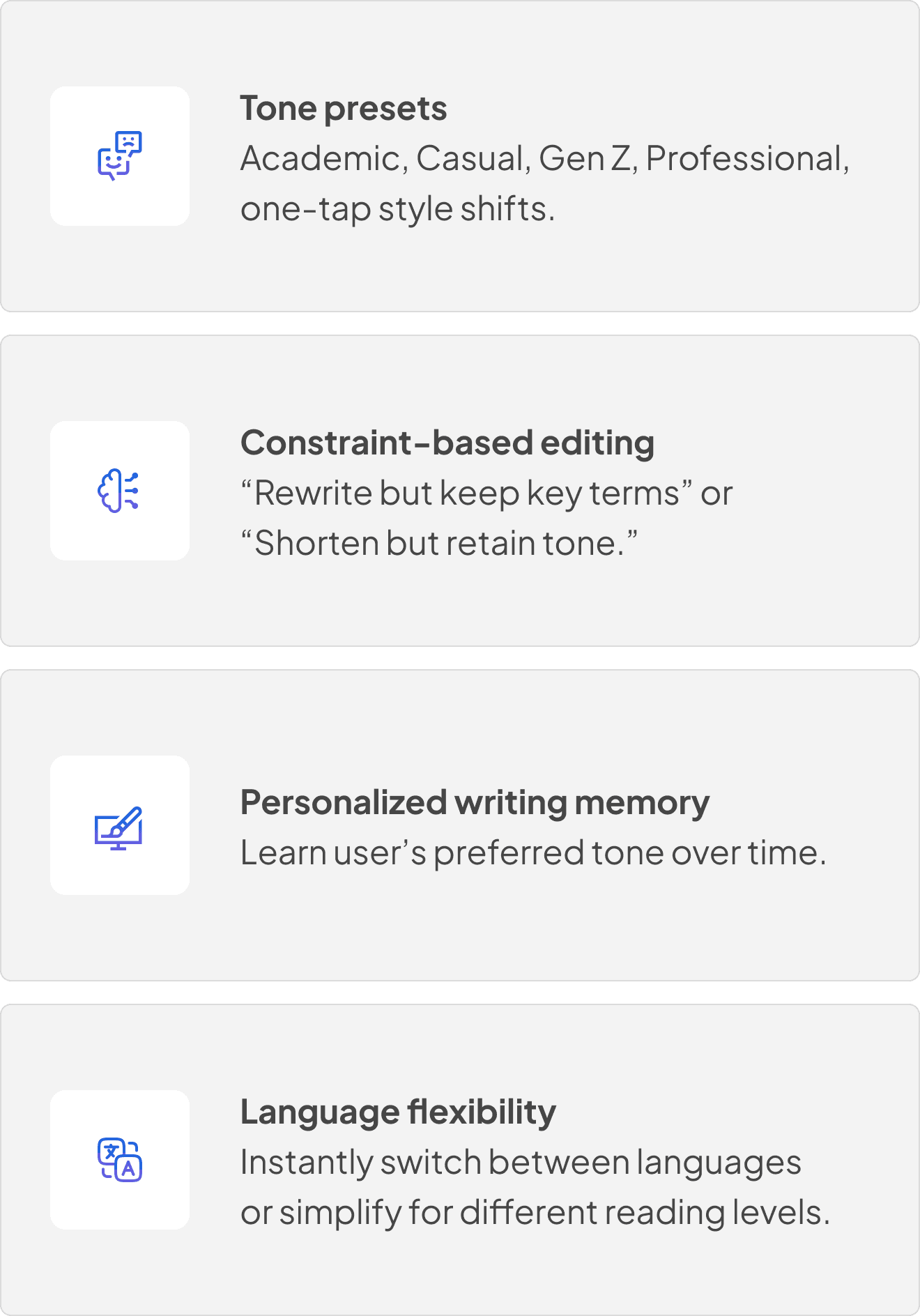
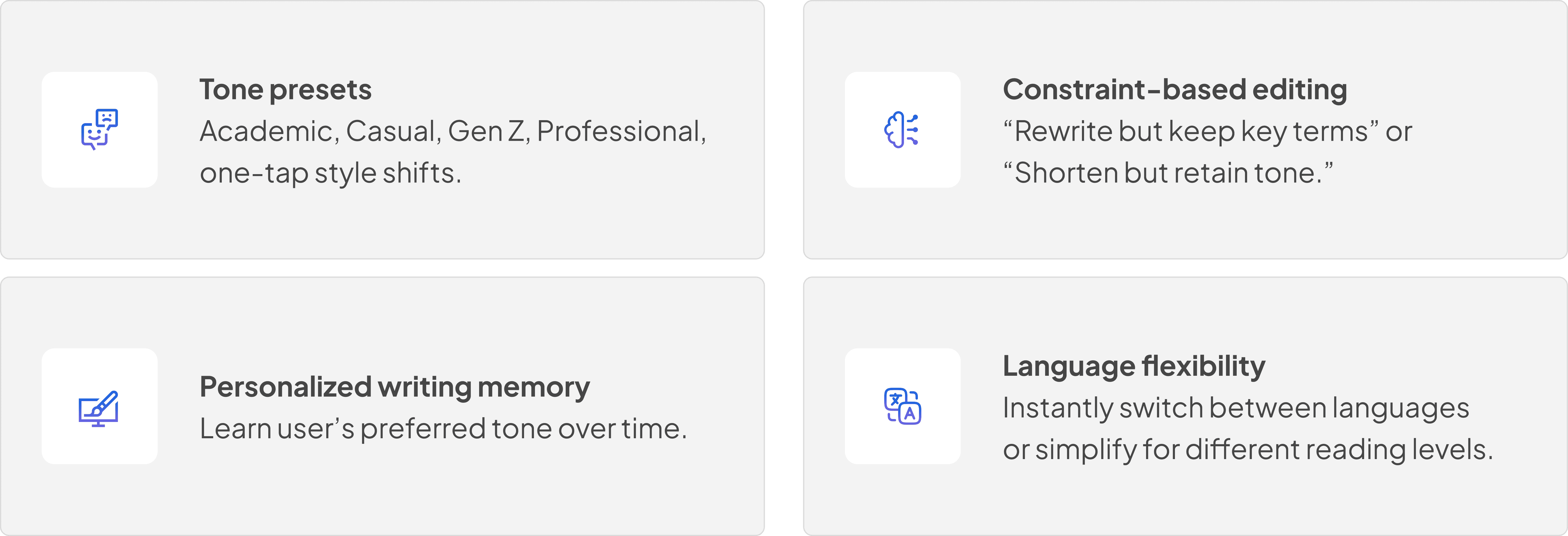
Future enhancements

Reflection

Big takeaway:

Great AI doesn’t interrupt. 


It reads the room.

Big takeaway:

Great AI doesn’t interrupt. 


It reads the room.

  1. AI works best when embedded in existing, familiar gestures.

  1. AI works best when embedded in existing, familiar gestures.

  1. Selection size can determine intelligence scope.

  1. Selection size can determine intelligence scope.

  1. Preview + insert is critical 

for trust.

  1. Preview + insert is critical 

for trust.

  1. Mobile AI should feel lightweight, not overwhelming.

  1. Mobile AI should feel lightweight, not overwhelming.